Apple Watch interval training: timing on the wrist
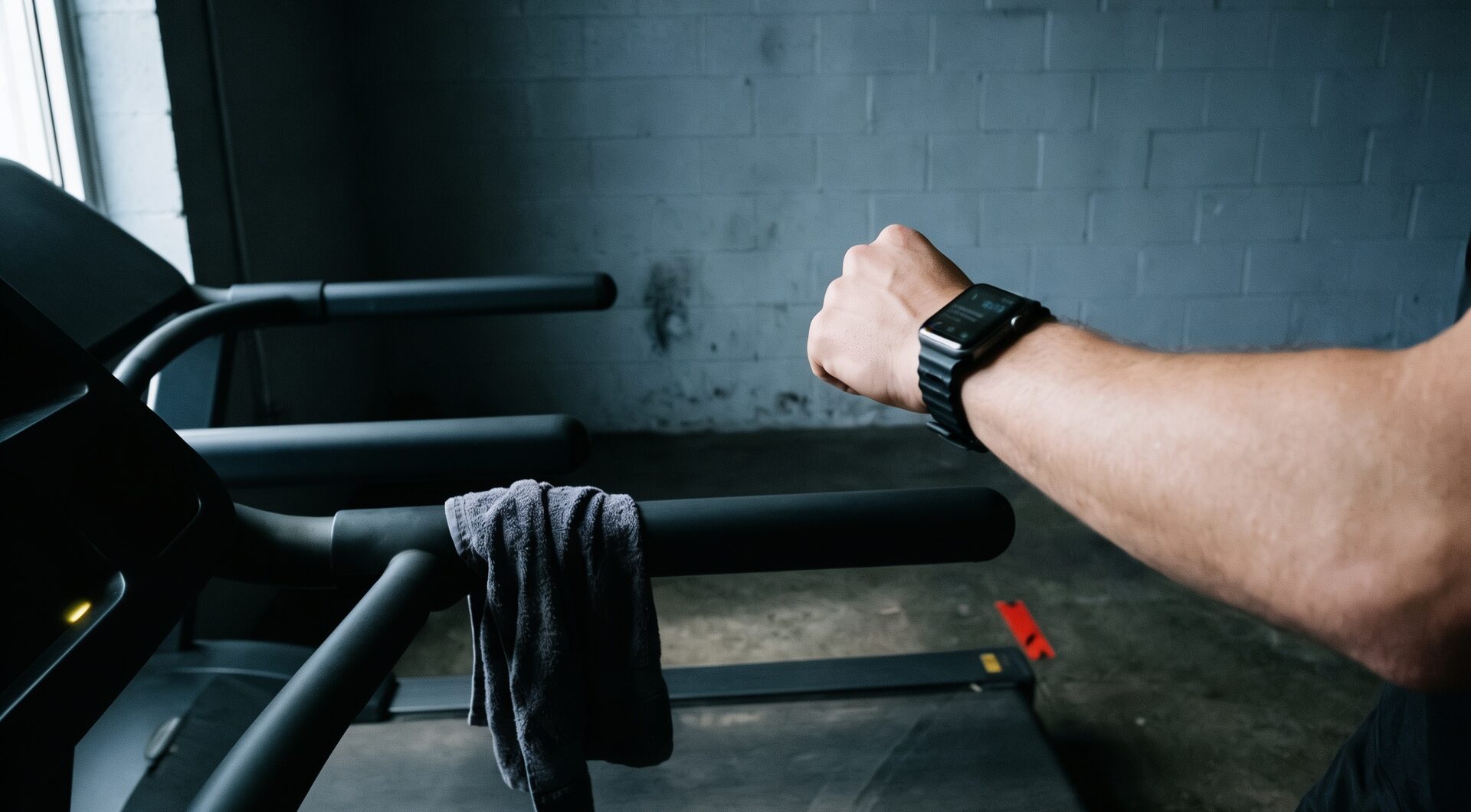
Open the Workout app, pick Outdoor Run, and the watch offers you exactly that: a run, open-ended, waiting for you to finish it. The interval machinery is already on the device, one menu below the run itself, behind the ⋯ button beside the workout’s name: a five-minute open warmup, eight reps of 3:00 hard running over 1:30 easy recovery, a five-minute open cooldown, 46 minutes end to end without touching a lap button. Apple’s own User Guide compresses the whole feature into one sentence: “You can tailor your workouts to include a warmup period, repeating work and recovery intervals, and a time to cool down.” People who already own the hardware still type “Apple Watch interval timer” into search engines, because the door exists, it works, and nothing on the main screen mentions it.
The door in the menu
The path, once, in full. Open Workout, turn the Digital Crown to a workout type, tap the ⋯ button, tap Custom, then create. Warmup comes first: Time, Distance, or Open, with an optional heart-rate alert riding on it. Then the middle: tap Add, tap Work or Recovery, give each a goal of Time, Distance, or Open, and stack as many work and recovery intervals as the session needs. Cooldown closes the session, a Custom Title names it, and the Create button stays grey until at least one work or recovery block exists.
Every workout type carries this builder except two, Multisport and Open Water Swim. On stationary types (Elliptical, Pilates) the Distance goal drops out, which is the menu being honest about GPS. The better place to write the same structure is the iPhone: the Fitness app edits custom workouts too, and whatever you create on the phone syncs to the watch automatically. That editor is where the version requirement lives — iOS 26 on the iPhone, watchOS 26 or later on the paired watch — not in the builder itself. An older pair gives up the keyboard, not the intervals. Typing a ten-block session on a keyboard beats spinning a crown through it.
That 46-minute total counts the last recovery in full: it plays out before the cooldown begins, and nothing in the session asks for a lap button. What to pour into the blocks, time against distance and how the recoveries should scale, belongs to the speed-work guide; the anatomy underneath every interval session is the work/rest pillar.
Taps, not beeps
Half the reason to run intervals from a wrist is silence. Flip the watch into silent mode and the speaker gives up; the haptics do not. Every transition then arrives as a tap on the wrist, work into rest and back, with the screen never needing to wake. It is the quietest interval setup that exists short of a coach standing behind you, and it works in a hotel gym at six in the morning without telling the room what you are doing. What the taps cannot say, the crown can: mid-effort, turning the Digital Crown brings up the Up Next view, what is left of the current block and what comes after it.
The other wrist-only trick is a goal type no clock app offers: distance. A session of 400 m work over 200 m recovery is not timed at all — the watch counts meters off the GPS and switches phases at the line. Accuracy varies with the model, the sky, and the tree cover; the honest framing is that GPS buys you line-based intervals and charges you reception.
Where the builder stops
Structure is the flexible half of the builder. “You can add multiple work and recovery intervals,” the guide says, so a circuit where every station runs a different length, or a ladder that climbs by fixed steps, fits inside one custom workout; the cost is typing every block in, which is work the phone does better. The goals are where it stops: Time, Distance, or Open for every work and recovery block. Heart rate appears in the guide as an alert, in an Outdoor Run example that flags when your pulse falls within 133 – 141 beats per minute. The watch announces that time is up, never that you are ready. Pace belongs to the workout: choose a target pace for a running or outdoor cycle workout, and both the iPhone and the watch report whether you are ahead of it or behind.
Third-party interval apps with watch components are the other route past the limits, and they live or die by the handoff: how fast a session crosses from phone to wrist, whether it keeps running with the phone left at home, whether the face carries round and phase at arm’s length under effort. Where wrist timing breaks has the four-point checklist; run any watch app through it before a hard session depends on one.
One session, two clocks
The arrangement that works for mixed training is older than every app in this story: the watch logs, something else conducts. On a run, the builder above conducts beautifully. In the garage or the gym, the session moves to a screen that reads from where you stand and speaks loudly enough to arrive over music — a phone propped on a bench or riding an armband, running a dedicated timer, while the watch on the other wrist collects heart rate and stays out of the way. The screen can even be borrowed: a timer that runs in the browser installs nothing and casts to whatever display the room already has. And if the conducting falls to a phone, the running interval apps comparison covers what to put on it. The watch’s part is the log, and it is a good one.
Where Intertakt stands
Intertakt is a phone app and ships as one; there is no watch companion. Sessions are built from typed whole-second lengths and saved by name. The counting core — unlimited sessions, the stock presets, no ads — is free, with three custom plans on the free tier; voice comes in English, Russian or Spanish and calls the phases and the rep, on volumes of their own over the music; counting survives a screen that went dark during the warmup, and an interrupted session resumes from the spot it reports. Premium lifts the plan cap and adds history with export, for a single $3.99 payment in Google Play.
The Android build is out on Google Play. If you want one email when the iOS version lands, leave your address on the waitlist.
FAQ
Does the Apple Watch have a built-in interval timer?
It does, and it is not the Timer app. The Workout app builds Custom Workouts: a warmup, repeating work and recovery blocks, a cooldown, saved by name. The builder exists in every workout type except Multisport and Open Water Swim, and the watch will not let you create one until it holds at least one work or recovery block.
Can the watch vibrate instead of beeping at each interval?
Yes. Silent mode mutes the speaker and keeps the haptics, so every phase change arrives as a tap on the wrist. That covers quiet rooms and early hotels with the screen never waking, and the Up Next view, a turn of the crown away, covers the glances.
Can I set intervals by distance instead of time?
Yes. Each work or recovery block takes Time, Distance, or Open as its goal, so 400 m over 200 m is a session with no seconds in it. Distance leans on GPS: it drops out on stationary workout types like Elliptical or Pilates, and the accuracy follows the sky and the tree cover.
When is the wrist not enough for intervals?
For readiness, and for long builds. The builder accepts multiple work and recovery intervals of different lengths in one workout, so ladders and mixed circuits fit on the watch. The block goals stop at Time, Distance, and Open: heart rate can only raise an alert; it has no vote on when a phase ends. And a ten-step session typed through a crown is slow. When the session needs a face you can read mid-set and a voice that carries, the conductor is a phone or any screen running a timer. The watch keeps the log.
A phone timer that survives the pocket
It runs with the screen locked. Pause when something interrupts you and resume from the same second. No account, no ads.
Get it onGoogle PlayOn an iPhone? Leave an email and get one message when the iOS app ships.
One email only. Unsubscribe in one click.